The 11 Best Taplio Alternatives in 2026 to Grow Your Personal Brand on LinkedIn
Looking for the best Taplio alternatives in 2026? Compare 11 tools on pricing, features, AI personalization, account safety, and scheduling to find the right fit for your personal brand.

If you are searching for Taplio alternatives, there is a good chance something specific pushed you here. Maybe your LinkedIn account got flagged after using Taplio's automation features. Maybe the AI output felt generic. Or maybe you realized the features you actually need are locked behind the $65 or $199 per month tiers.
You are not alone. LinkedIn has been cracking down on third-party tools that use cookie-based authentication, Chrome extension overlays, and engagement automation. In April 2025, the platform blocked several major automation tools and restricted accounts connected to them. The tool you choose matters more than it used to.
Taplio is not a bad tool. But the market has grown, and there are now tools that take fundamentally different approaches, from AI that learns your voice over time to formatting assistants that polish what you already write.
This guide covers the features, pricing, pros, cons, and how each tool handles LinkedIn compliance, so you can make the right choice for how you actually work.
Key Takeaways
- Taplio's Starter plan ($39/month) does not include AI credits. Most users need the Standard ($65/month) or Pro ($199/month) plan to access the features they actually want.
- LinkedIn's 2025 crackdown on automation tools has made account safety a real factor when choosing a LinkedIn content tool. Not every tool on this list carries the same level of risk.
- Pricing ranges from free to $149/month. Some affordable tools skip AI writing entirely, and some expensive ones skip scheduling. Check what is actually included before committing.
- Three tools on this list support platforms beyond LinkedIn: Kleo (LinkedIn and X), Brandled (LinkedIn and X), and Typefully (LinkedIn, X, Bluesky, Threads, and Mastodon).
- The tools that offer the deepest AI personalization (voice learning, knowledge bases) are not the same ones that offer the lowest price. You are choosing between depth and affordability.
- If you want a complete personal brand system with AI that actually learns your voice, Kleo is the best Taplio alternative on this list. Try Kleo today.
How We Evaluated These Tools
Not every LinkedIn tool solves the same problem, so we did not score them all against the same checklist. Instead, we looked at the factors that matter most to creators and professionals who are building a personal brand.
AI content quality and personalization
Does the tool generate content that sounds like you, or does it produce generic LinkedIn posts that could belong to anyone? We looked at whether each tool offers voice learning, a knowledge base, or any mechanism for improving output over time.
Account safety and LinkedIn compliance
This is non-negotiable in 2026. We looked at how each tool connects to LinkedIn. Does it use the official API, a Chrome extension, cookie-based authentication, or engagement automation?
Tools that rely on methods LinkedIn has explicitly warned against carry real risk, and we noted that for every tool on this list.
Pricing transparency
We looked at what you actually get at each price point. Credit limits, feature gating across tiers, and whether the sticker price reflects the real cost of using the tool the way most people need to.
Feature depth versus feature bloat
Some creators want an all-in-one platform. Others want a focused tool that does one thing well. We evaluated whether each tool's feature set actually serves content creators or whether it bundles outreach, CRM, and lead generation features that most personal brand builders will never use.
Scheduling and workflow
Can you plan, draft, schedule, and publish from one place? Or do you need to bounce between multiple tools to get a post live?
The Best Taplio Alternatives in 2026: Pricing and Features Comparison
Before diving into each tool, here is how they compare side by side.
What Is Taplio and Why Look for an Alternative?
Taplio is an AI-powered LinkedIn tool that brings content creation, scheduling, engagement automation, and a lead database together in one platform. It has been one of the most popular LinkedIn tools for the past few years, and for good reason.
At its best, Taplio helps you post consistently, discover viral content ideas from a library of over 5 million posts, generate carousels, and automate parts of your LinkedIn engagement.
The Chrome extension adds useful features directly inside LinkedIn. For busy professionals who want to stay active on the platform, Taplio delivers real value.
Click here to check out our full review of Taplio.
So why look for an alternative to Taplio?
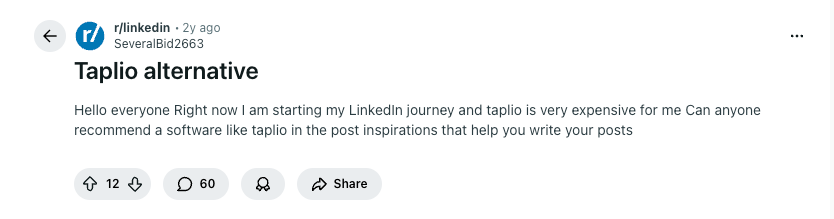
It usually comes down to three things: personalization, pricing, and platform safety.
The AI output needs work. Taplio generates content based on broad LinkedIn patterns, not your specific voice. For creators building a personal brand, that means heavy editing before anything feels ready to post.
The pricing gates the features most people need. The Starter plan at $39 per month does not include AI credits. Most users who want AI-powered content creation are realistically starting at $65 per month on the Standard plan, which caps you at 250 AI credits.
If you post consistently, those credits run out fast. Unlimited AI requires the Pro plan at $199 per month.
Account safety is a real concern. This is the one that has changed the conversation in 2025 and 2026. Taplio uses a Chrome extension that overlays features on top of LinkedIn's native interface, cookie-based authentication, and engagement automation features.
LinkedIn's terms of service explicitly prohibit third-party tools that scrape data, automate activity, or modify the platform's appearance. In April 2025, LinkedIn blocked several major automation tools, and users connected to those tools reported account warnings, temporary restrictions, and, in some cases, permanent bans.
Taplio has acknowledged this risk on its own blog, noting that automation tools can result in accounts being "flagged, restricted, or permanently banned." That does not mean every Taplio user will get restricted. But for creators who depend on LinkedIn for their livelihood, the risk is worth weighing carefully.
Taplio is a strong tool for users who want viral post discovery and lead generation and are comfortable managing the compliance risk. But the LinkedIn content space has matured, and there are now tools that take fundamentally different approaches.
Some connect through LinkedIn's official API. Others avoid automation entirely. The goal of this guide is to help you find the one that fits how you actually work.
Taplio pricing
One thing worth knowing: the Starter plan does not include AI credits. That means post generation, hook creation, and carousel building are only available on the Standard and Pro plans. Most users who want AI features will realistically start at $65/month (or $49/month billed annually).
Taplio offers a 7-day free trial with full Pro access regardless of which plan you select, along with a 30-day money-back guarantee on the first payment.
Taplio pros and cons
1. Kleo
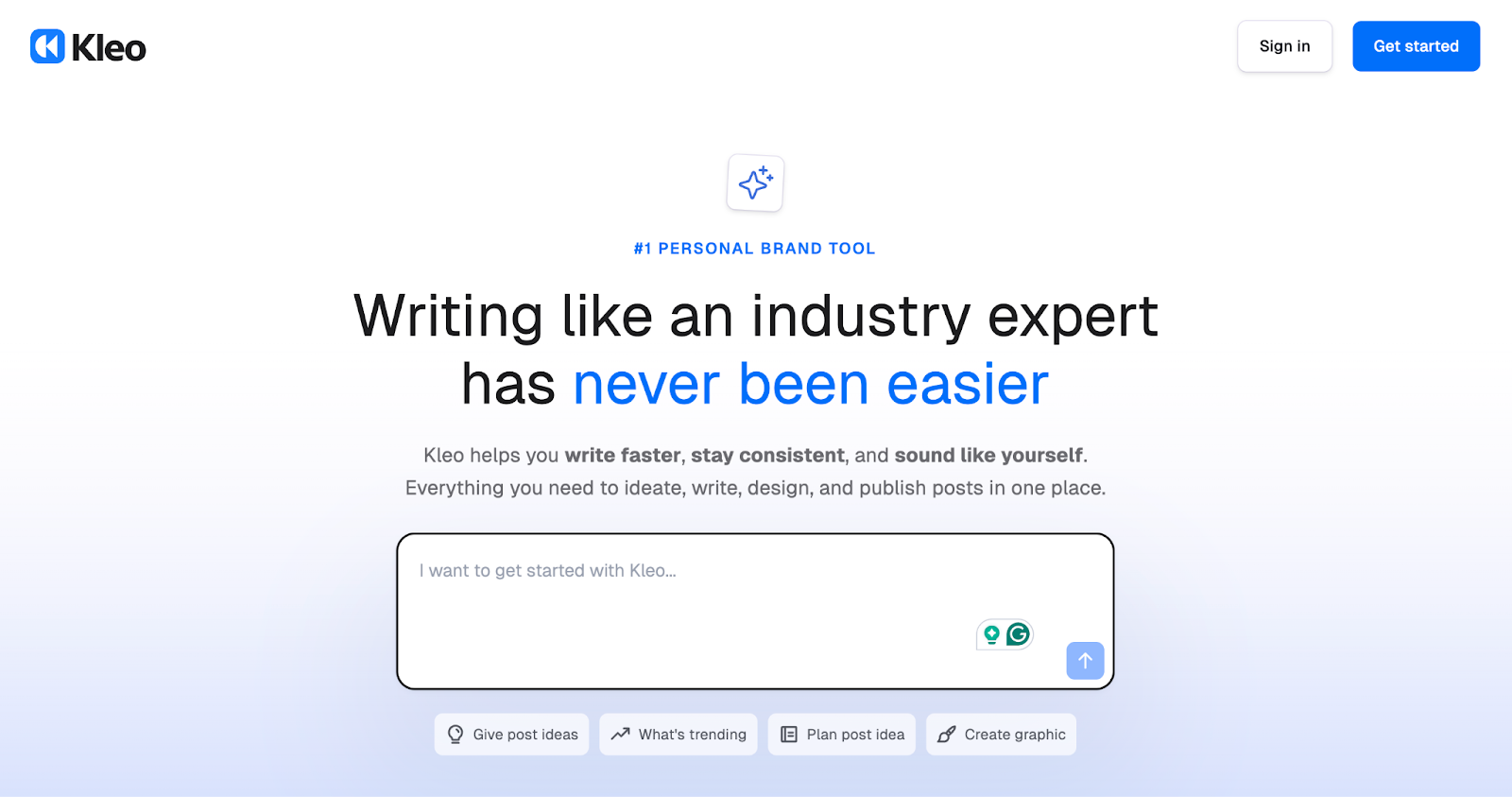
Kleo is a personalized social media assistant that learns from your identity, your knowledge, and your writing style. It is not a post generator. It is a content system that gets smarter the more you use it.
Where most tools generate content based on what works across LinkedIn in general, Kleo generates content based on what works for you specifically. During onboarding, you build a knowledge base by answering questions about your expertise, experience, and perspective.
You can also feed it call transcripts, blog posts, podcast transcripts, and notes. Kleo uses all of that to develop a writing style guide and create content that sounds like you wrote it.
The memory layer is what makes Kleo different from everything else on this list. Every time you post, Kleo learns. It picks up on the topics you return to, the tone that resonates with your audience, and the style choices that define your voice.
The tool you use in month six will produce noticeably better output than the tool you used in month one. That compounding effect is the core value proposition.
Kleo also includes a post scheduler, AI image creator, trending research, analytics dashboard, and templates. The Chrome extension lets you save posts and ideas into a personal swipe file from any social platform, web page, or blog post as you browse. Those saved swipes sync with Kleo, where you can turn them into new ideas, drafts, remixes, and finished posts.
It covers LinkedIn and X, making it one of the few tools on this list that works across multiple social platforms.
For a full comparison, see our detailed Taplio vs Kleo breakdown.
Kleo pricing
$99/month for everything. All features, unlimited use, no tiers, no credit limits. That includes AI content creation, knowledge base, writing style guide, identity feature, scheduling, image creator, templates, swipe files, trending research, and analytics.
For creators who want a complete content system at a single price point, Kleo offers strong value. You would need Taplio's Pro plan ($199/month) to get unlimited AI credits there, while Kleo includes unlimited everything at $99/month.
2. MagicPost

MagicPost is an AI-powered LinkedIn content creation tool built for speed and simplicity. You enter a topic, pick a format, and the tool generates a post. If your goal is to stay consistent on LinkedIn without spending hours on each piece of content, MagicPost makes that easy.
The tool is well-suited for creators who are just getting started with LinkedIn content or who want a no-fuss way to maintain a regular posting cadence. It includes scheduling, basic analytics, and a library of post templates. The free plan lets you test the tool before committing.
Where MagicPost differs from tools like Kleo is in personalization depth. MagicPost adjusts tone, but it does not build a knowledge base about you or develop a memory of your writing style. The content it produces is a solid starting point that typically needs some editing to fully sound like you.
What is worth noting is MagicPost's compliance positioning. It is the only tool on this list that claims to be officially verified through LinkedIn's developer program, which means it connects through the official API rather than a Chrome extension or cookie-based workaround.
For creators concerned about account safety, that is a meaningful differentiator.
Click here to check out our full review of MagicPost. For a direct comparison, see our detailed MagicPost vs Kleo breakdown.
MagicPost pros and cons
MagicPost pricing
MagicPost offers a free plan and paid plans starting at $39/month (Starter). The Creator plan runs around $59/month and unlocks unlimited post creation, scheduling, and templates. An Enterprise tier is available for teams needing multi-account management. The free plan is a nice way to test the waters before committing.
3. EasyGen
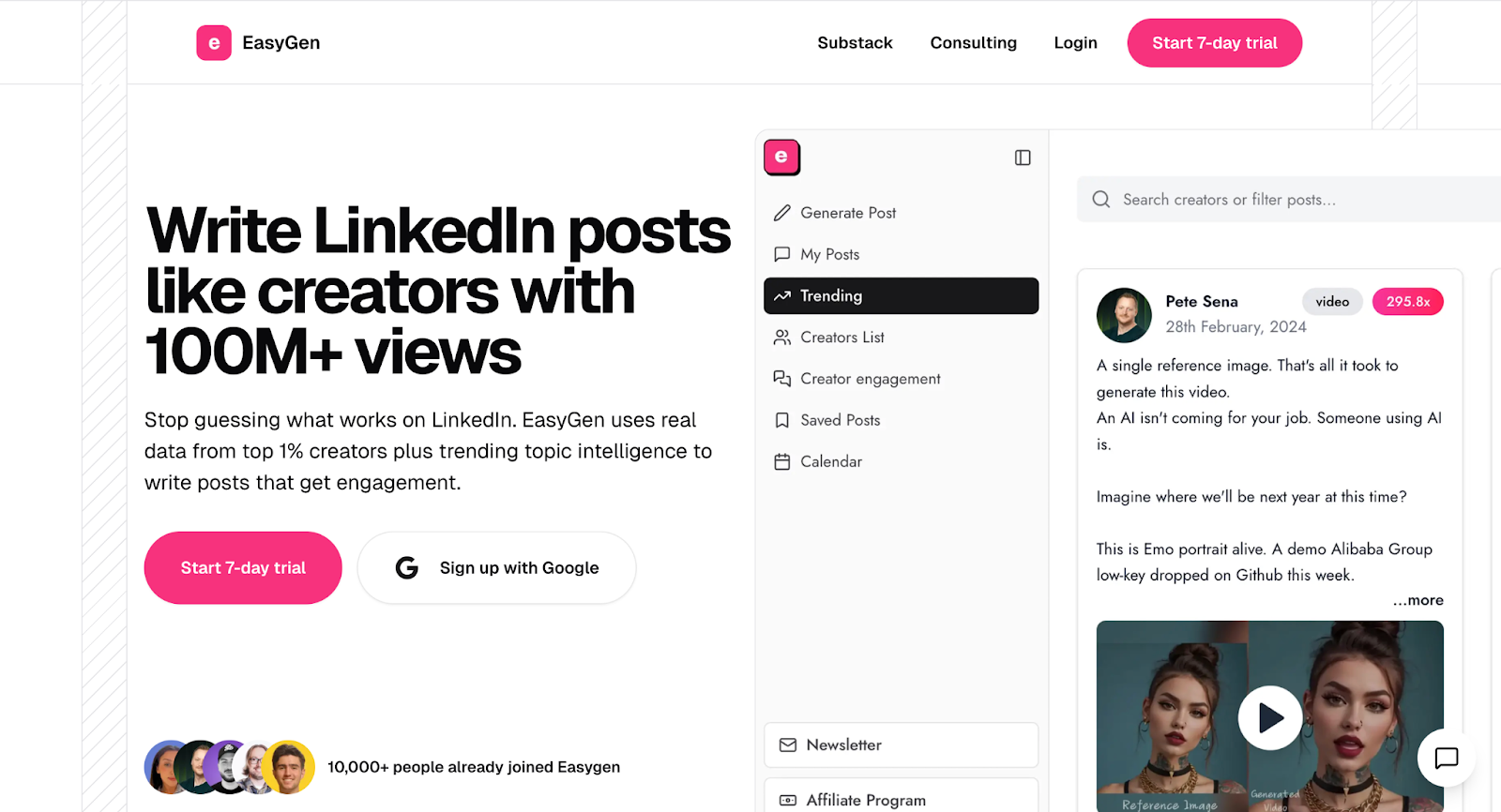
EasyGen is a data-driven LinkedIn post generator that lives inside your Chrome browser. It studies what performs well on LinkedIn and uses those patterns to help you create content that follows proven formats.
Two features stand out. First, the Creators List lets you browse and study top LinkedIn creators directly within the tool, which is great for learning what works in your niche.
Second, the voice note dictation feature lets you speak your ideas and have EasyGen turn them into written posts. For creators who think better out loud than they type, that is a genuinely useful workflow.
EasyGen is focused on helping you create content quickly using platform-wide trends and data. It does not build a personalized knowledge base about you or learn your voice over time the way Kleo does. But for the price, it covers a lot of ground.
Click here to check out our full review of EasyGen. For a direct comparison, see our detailed EasyGen vs Kleo breakdown.
EasyGen pros and cons
EasyGen pricing
$59.99/month with a 7-day free trial. This is a single plan with no tiers, which keeps things simple. You get AI post generation, trending research, the Creators List, voice note dictation, and a content calendar. A solid package for the price.
4. AuthoredUp
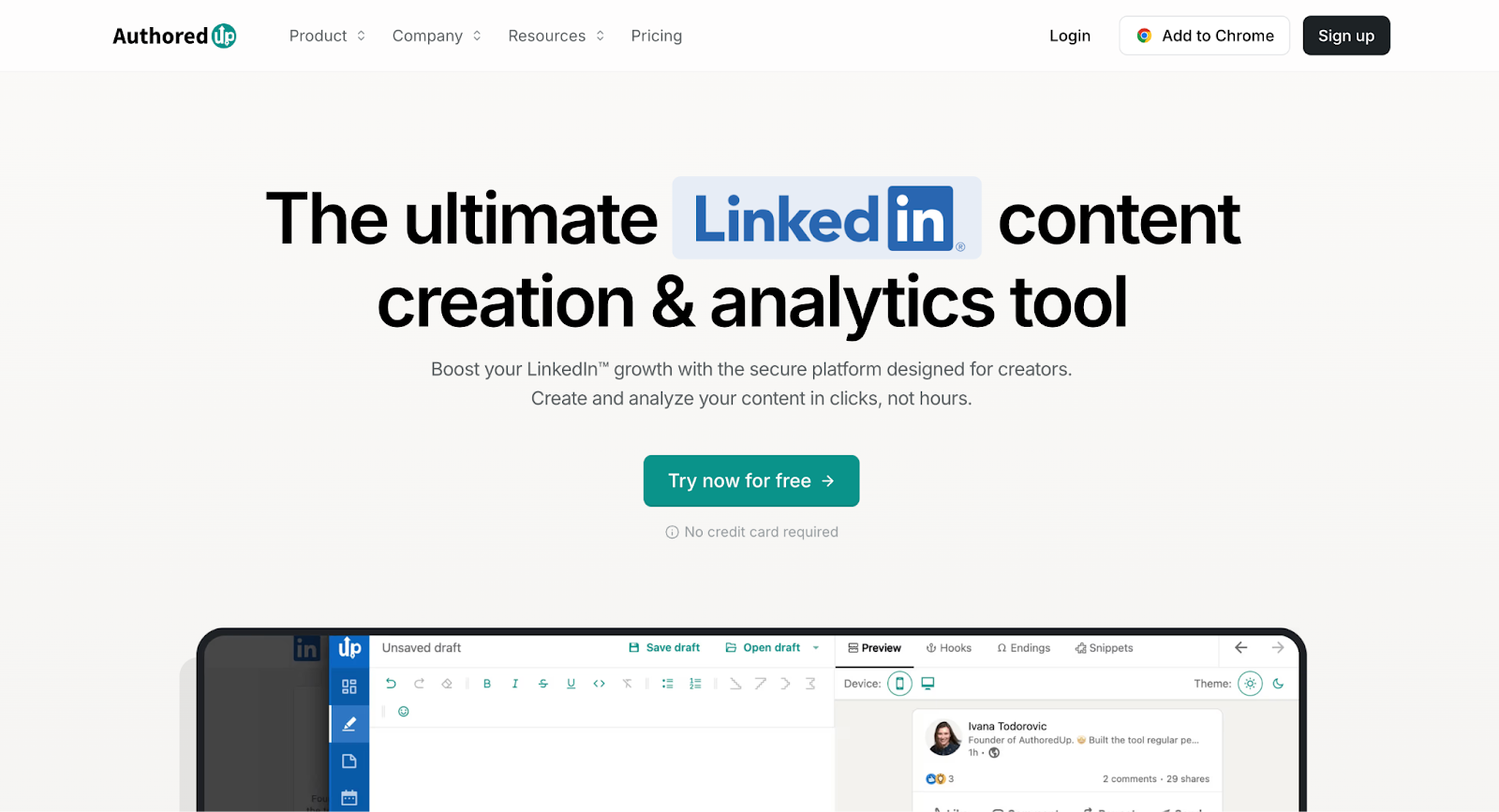
AuthoredUp takes a completely different approach from every other tool on this list. It is not an AI content writer. It is a LinkedIn writing and formatting assistant that helps you polish, preview, and publish posts you have already written yourself.
If you enjoy the writing process and want a tool that makes your posts look better rather than writing them for you, AuthoredUp is excellent at that job. It offers text formatting, 200+ hook templates, 150+ CTA templates, and a post preview feature that shows exactly how your content will appear on LinkedIn before you publish.
The analytics are among the best on this list, giving you detailed post performance data that goes deeper than what LinkedIn natively provides.
AuthoredUp is not going to replace your writing process. It is going to enhance it. For creators who take pride in writing their own content, that is exactly the point.
Click here to check out our full review of AuthoredUp. For a direct comparison, see our detailed AuthoredUp vs Kleo breakdown.
AuthoredUp pros and cons
AuthoredUp pricing
$19.95/month or $16.63/month billed annually. Team pricing is available at $14.95/profile/month with a minimum of 3 profiles. A 14-day free trial is available with no credit card required. For creators who already enjoy writing and just want better formatting and analytics, this is outstanding value.
5. Ask Stanley
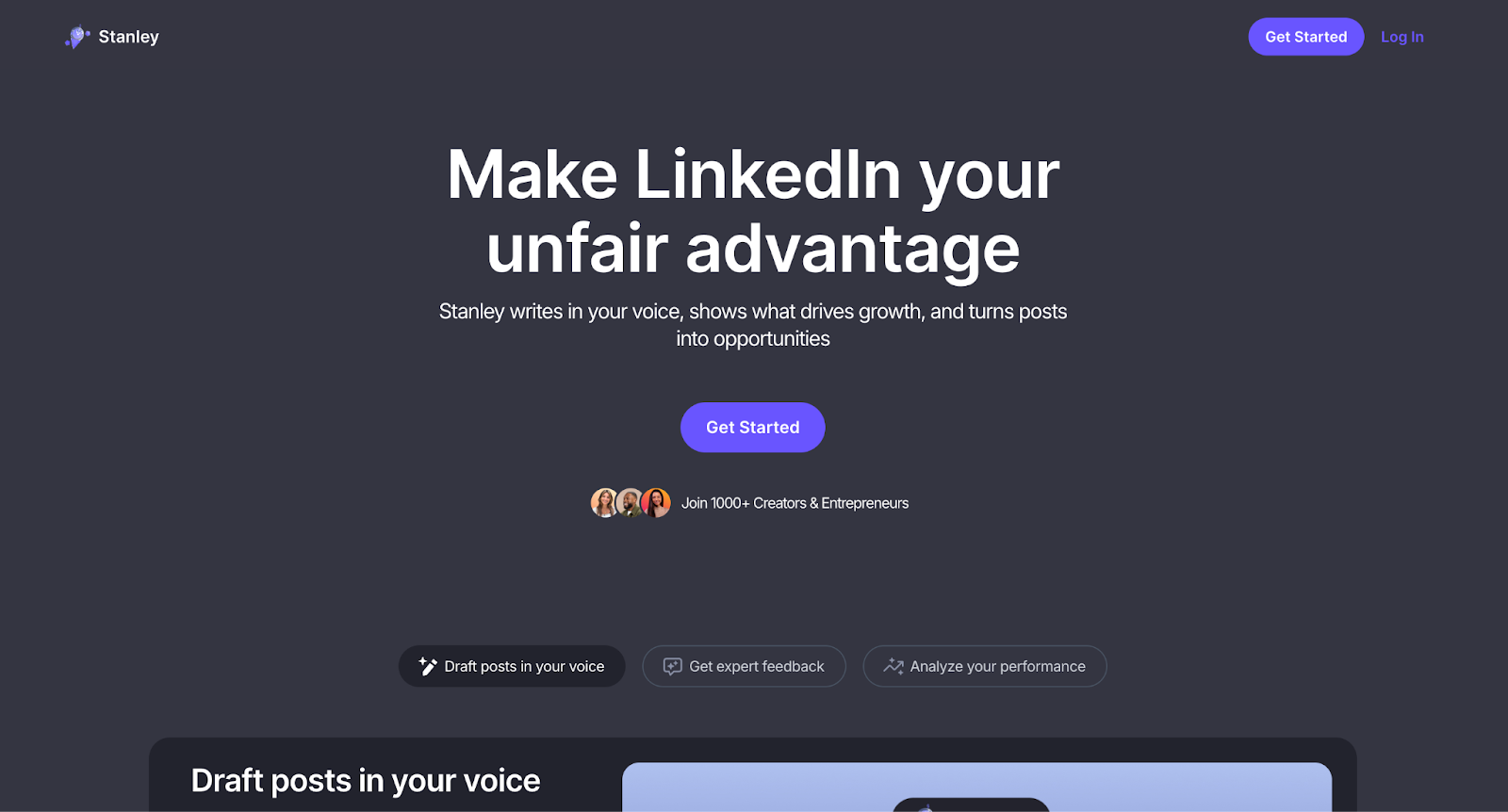
Stanley (also known as Ask Stanley) is a premium AI advisory tool for LinkedIn creators. It takes a conversational approach to content strategy. You chat with Stanley, it helps you think through ideas, analyze your posts, and refine your approach to LinkedIn content.
The standout feature is the Interview function. Stanley asks you guided questions and turns your answers into content ideas. For creators who have deep expertise but struggle to translate that into LinkedIn posts, this is genuinely valuable.
It is like having a content strategist walk you through the process of turning your knowledge into publishable ideas.
Stanley is a different product category from the other tools on this list. It is an advisor, not an execution tool. It does not schedule posts, create images, or store templates.
If you want strategic depth and are comfortable handling the execution yourself, Stanley offers something unique. If you want a full workflow tool, it may feel incomplete at the price.
Click here to check out our full review of Stanley. For a direct comparison, see our detailed Stanley vs Kleo breakdown.
Stanley pros and cons
Stanley pricing
$149/month for the full advisory experience. No free trial and no tiered plans. The value is in the strategic depth of the AI coaching, not in feature breadth.
Creators who want a thought partner for their content strategy may find it worth the investment. Those who need execution tools will want to pair it with something else or look at alternatives that include more features at a lower price.
6. SayWhat
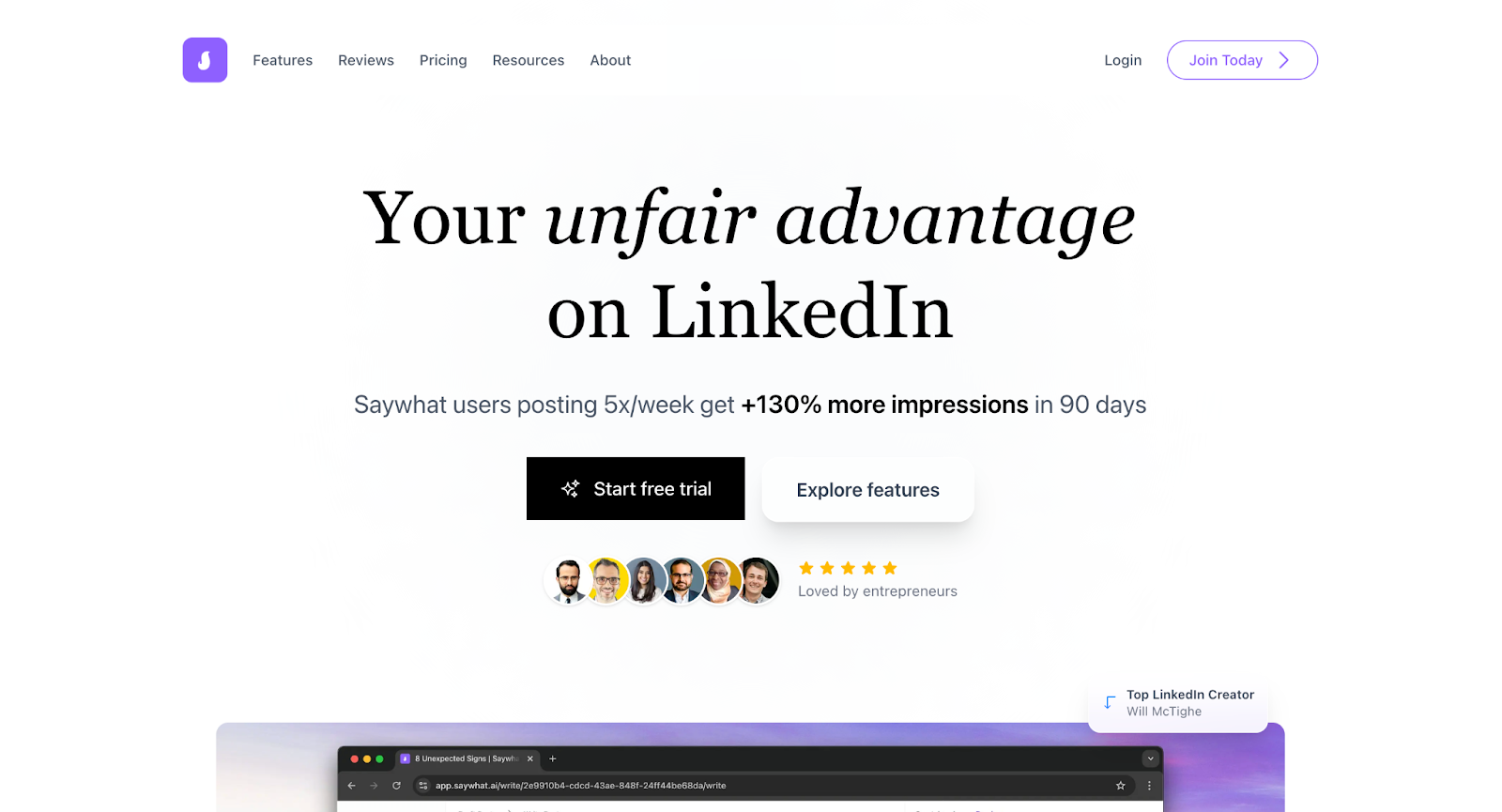
SayWhat is a LinkedIn growth platform built by LinkedIn creators. It combines content creation with community management, engagement tools, and lead discovery, which makes it one of the most complete packages on this list.
What sets SayWhat apart is how it handles the engagement side of LinkedIn. The comment inbox brings all your LinkedIn interactions into one organized feed. Instead of jumping between notifications and a separate writing tool, you can see posts from people you follow, respond to comments, and manage your engagement from a single place.
For creators who know that commenting and engagement are just as important as posting, this is a big time saver.
SayWhat also includes a custom AI model that learns your voice for both posts and comments. The community aspect, with coaching sessions and weekly content trend discussions, adds a layer of support that no other tool on this list offers. You are not just getting software. You are getting a community of creators working toward similar goals.
Want to learn more? Check out our full SayWhat review. For a direct comparison, see our detailed SayWhat vs Kleo breakdown.
SayWhat pros and cons
SayWhat pricing
SayWhat offers four plans. Standard is $59.99/month and includes the essentials for LinkedIn growth. Premium is $99.99/month for creators looking to scale. Executive is $149.99/month for large, active accounts. Executive+ is $299.99/month with custom team management and priority support.
The Standard plan is well priced for what it includes, especially the engagement tools and community access. Creators who are serious about LinkedIn growth and want both content creation and community management in one place will find strong value here.
7. Supergrow
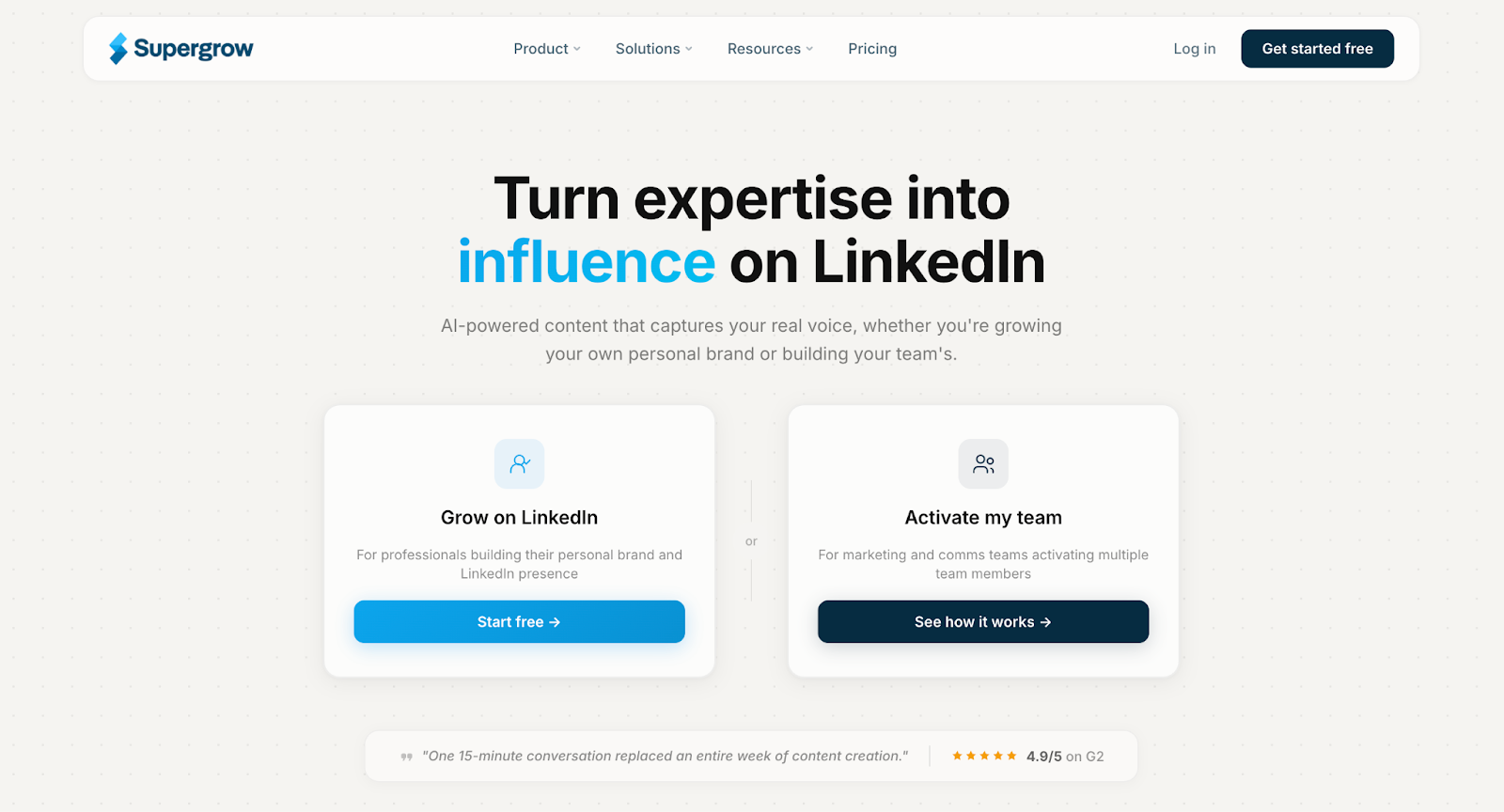
Supergrow is an AI-powered LinkedIn content platform built for creators, professionals, and teams who want a clean, affordable workflow without the compliance concerns that come with heavier automation tools.
The core pitch is straightforward. You get AI content generation that trains on your writing style, a content calendar with scheduling, a carousel maker, and engagement tools, all starting at $19 per month.
Supergrow also includes a voice-to-post feature that lets you record your thoughts and turn them into written content, which is a nice touch for creators who think better out loud.
What sets Supergrow apart from Taplio specifically is the compliance angle. Supergrow does not use cookie-based authentication or Chrome extension overlays.
The platform has positioned itself as a safer alternative for users who are concerned about LinkedIn's enforcement of its terms of service. For creators who switched away from Taplio after the April 2025 crackdown, that is a meaningful differentiator.
Where Supergrow falls short compared to tools like Kleo is in personalization depth. Supergrow learns your writing style from existing posts, but it does not build a knowledge base from your expertise, transcripts, or long-form content.
The voice learning is reactive rather than compounding. It adapts to how you have written before, but it does not deepen its understanding of who you are over time the way a knowledge base-driven system does.
For creators who want a reliable, affordable, LinkedIn-safe tool and do not need deep personalization, Supergrow covers a lot of ground at a competitive price.
Supergrow pros and cons
Supergrow pricing
Supergrow offers two plans. Starter is $19 per month and includes AI writing, content repurposing, scheduling, and the content calendar. Pro is $39 per month and adds engagement tools, analytics, and advanced workflows. Both plans include a 7-day free trial with a 20 percent annual discount available.
8. Typefully
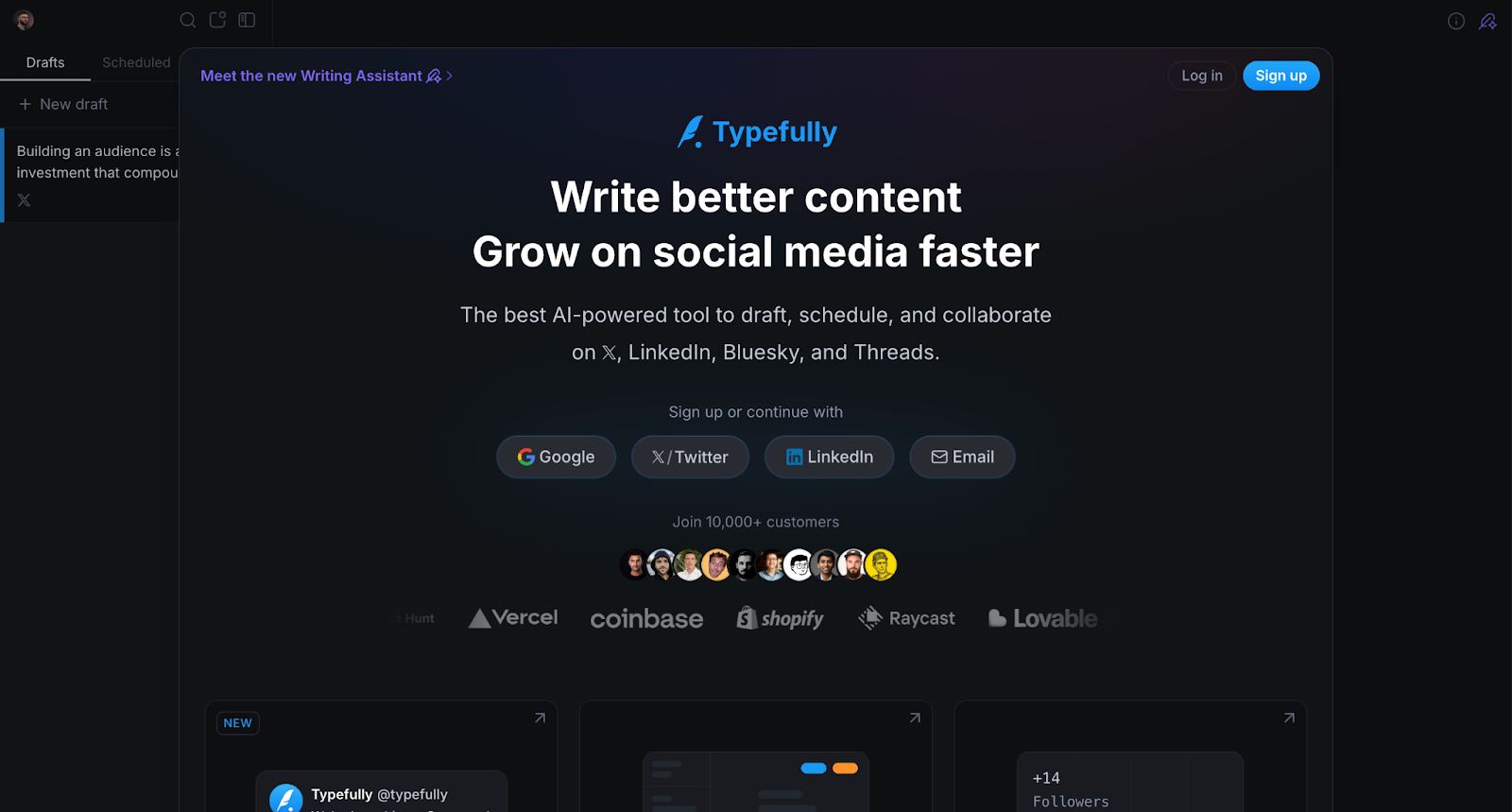
Typefully started as a writing and scheduling tool for X (formerly Twitter) and has since expanded into a cross-platform content tool that supports LinkedIn, X, Bluesky, Threads, and Mastodon. If your personal brand lives on more than one platform, Typefully is one of the few tools on this list that handles that natively.
The writing experience is where Typefully earns its reputation. The editor is clean, distraction-free, and built for long-form drafting. You can write posts, schedule them across multiple platforms, and manage everything from a simple calendar view.
AI writing assistance is built in for brainstorming and drafting, though it is more of a general assistant than a voice-trained system.
Typefully connects to LinkedIn through the official API, which means it does not rely on cookie-based authentication or Chrome extension overlays. For creators who are cautious about account safety after LinkedIn's enforcement actions, that is a significant advantage.
Where Typefully differs from tools like Kleo is in depth versus breadth. Typefully gives you solid cross-platform scheduling and a great writing experience, but it does not build a knowledge base about you or learn your voice in a compounding way.
It is a writing and publishing tool, not a personal brand system. It does not offer features like image creation or swipe files.
For creators who post across multiple platforms and want a clean, safe, focused tool for writing and scheduling, Typefully is an excellent choice.
Typefully pros and cons
Typefully pricing
Typefully offers a free plan for basic scheduling. The Creator plan starts at $12.50 per month billed annually, and includes AI writing assistance, analytics, and cross-platform publishing. A Team plan is available for multi-user setups. The free plan is a solid way to test the writing experience before committing.
9. ContentIn
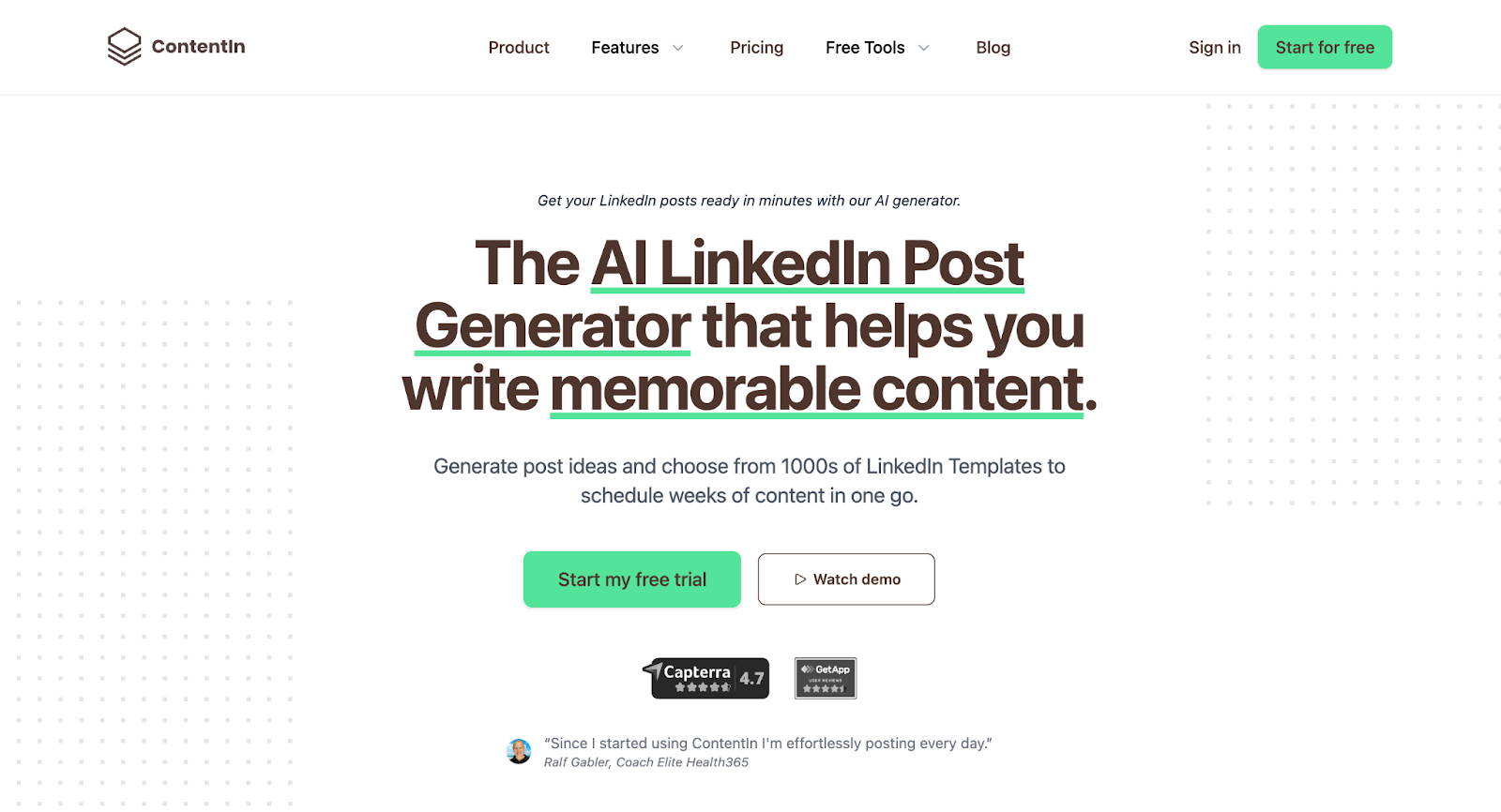
ContentIn is a LinkedIn-focused content creation and scheduling platform that positions itself as a more affordable, simpler alternative to Taplio. It covers the core workflow most creators need: AI content generation, scheduling, analytics, and a content calendar.
The onboarding is fast. ContentIn walks you through setting up your profile, and the AI starts generating content based on your niche and past posts. It also includes a migration tool for users switching from other platforms, which makes the transition smoother if you are coming from Taplio or a similar tool.
ContentIn offers a free plan, which is a nice entry point for creators who want to test before committing. The AI generation is functional and gets you to a solid first draft, though it does not offer the same depth of voice learning or knowledge base features that you would get from a tool like Kleo.
The platform uses a Chrome extension for some of its features, which is worth noting for creators who are cautious about LinkedIn compliance. It is not in the same risk category as tools that automate engagement or scrape data, but it is not connecting through the official API either.
For creators who want a straightforward, budget-friendly tool to maintain a consistent LinkedIn posting cadence, ContentIn is a solid option.
ContentIn pros and cons
ContentIn pricing
ContentIn offers a free plan for basic use. Paid plans are competitively priced and include AI writing, scheduling, analytics, and team features at higher tiers. A free trial is available on paid plans so you can test the full feature set before committing.
10. ChatGPT
ChatGPT is not a LinkedIn tool. It is a general-purpose AI assistant. But it earns a spot on this list because it is where most people start, and for good reason.
If you are a strong writer who just needs help brainstorming ideas, structuring drafts, or getting past the blank page, ChatGPT is remarkably capable. You can feed it your writing samples, describe your brand voice, and get solid first drafts.
It handles virtually any content format, from LinkedIn posts to newsletters to tweets. The flexibility is unmatched.
The tradeoff is everything that happens around the writing. ChatGPT does not schedule posts. It does not track analytics. It has no LinkedIn integration. It does not save your brand preferences between sessions in a meaningful way. Every conversation is essentially a fresh start.
For creators who post once or twice a week and enjoy a hands-on workflow, ChatGPT is a genuinely viable option. For anyone trying to build a consistent content system that grows with them over time, a purpose-built tool will eventually save more time and produce better results.
Want to see how this tool compares to a true LinkedIn assistant? Read our ChatGPT vs Kleo article.
ChatGPT pros and cons
ChatGPT pricing
Free for GPT-3.5. ChatGPT Plus is $20/month and includes GPT-4, DALL-E image generation, custom GPTs, and higher usage limits. There is also a Team plan at $25/user/month. For creators who are comfortable building their own workflow, this is the most affordable way to get AI-powered content creation.
11. Feedboss
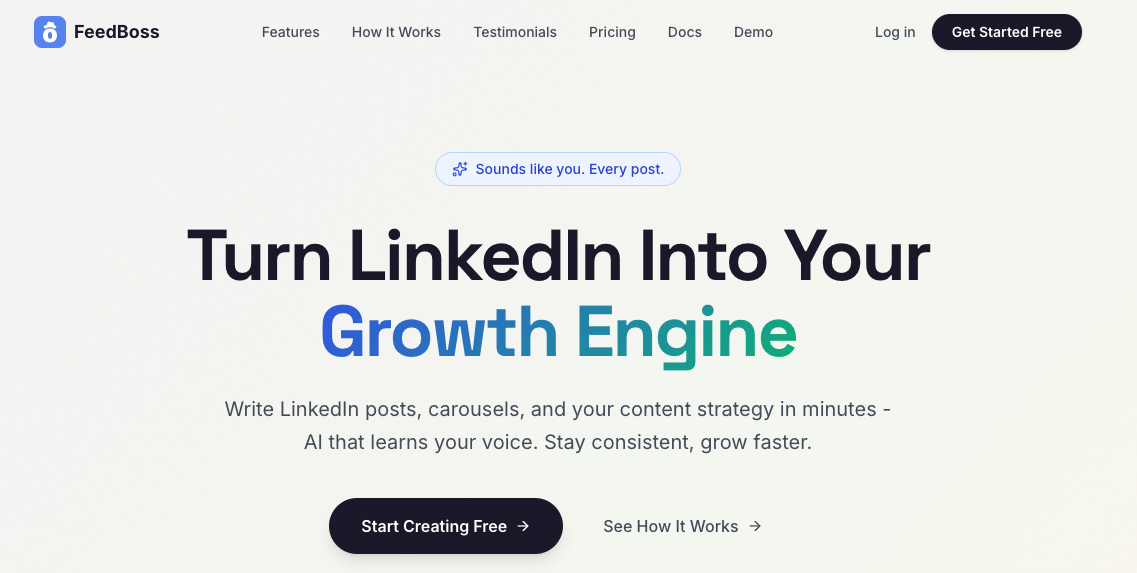
Feedboss is an AI-powered LinkedIn platform built for creators, professionals, and agencies who want to grow their personal brand and post consistently without spending hours on content.
Its standout feature is Content DNA, an AI-generated persona built from your LinkedIn profile that learns your writing voice, tone, and key topics so the posts it generates sound authentically like you, not like a generic AI.
Additional features include the Authority Map, a visual strategy tool that maps your topic pillars, scores your authority on each, identifies content gaps, and surfaces AI-generated post ideas.
FeedBoss covers the full LinkedIn workflow. The Carousel Maker and Infographic Maker let you produce visual content from a single prompt. The Image Studio and Brand Kit keep your visuals consistent. A built-in Content Calendar handles scheduling directly to LinkedIn. The Analytics Dashboard tracks what's working. Profile Audit tools help you optimize your LinkedIn presence alongside your content.
For teams and agencies, FeedBoss includes multi-workspace management, role-based permissions, and a Post Approval Workflow so content gets reviewed before it goes live, keeping brand consistency across clients or collaborators.
FeedBoss is best suited for LinkedIn-focused creators and agencies who want a comprehensive, visually capable platform with strong content strategy tools baked in.
Feedboss Pros and Cons
Pricing
FeedBoss: $29 Starter, $59 Pro, $149 Agency, free trial, no card required.
Final Verdict: Which Taplio Alternative Is Right for You?
Taplio is a capable tool. But the best LinkedIn content tool for you is the one that matches how you actually want to work.
If you want AI that learns your voice, your experience, and your knowledge over time, Kleo is the strongest choice on this list. It is the only tool with a knowledge base, memory layer, and identity feature that compounds the more you use it.
At $99/month with everything included, it is built for creators who are serious about personal brand building.
If account safety is your top priority and you want an affordable entry point, Supergrow and MagicPost both offer LinkedIn-compliant workflows at lower price points. If you post across multiple platforms, Typefully is the widest cross-platform option available.
If you want a tool that starts with positioning before it starts writing, Brandled takes a unique approach at $47 per month. It covers both LinkedIn and X, learns your voice, and helps you define the angle that makes your content worth following. It is still in beta, so expect rough edges, but the foundation is strong for creators who want strategy-led content.
And if you prefer to write your own content and just want better formatting and analytics, AuthoredUp is hard to beat at $19.95/month.
The right tool is the one that fits your goals, your budget, and your working style. Most of these take less than an hour to set up. The hardest part is not the switch. It is making the decision. If you have read this far, you probably already know which direction makes sense for you.
Check out Kleo.
Frequently Asked Questions
What is the best free alternative to Taplio?
ChatGPT is the most capable free option. You can brainstorm ideas, write drafts, and refine posts at no cost. It does not include scheduling, analytics, or LinkedIn integration, so you will need to handle the publishing workflow yourself.
MagicPost and ContentIn also offer free plans with basic LinkedIn features, which give you more structure than ChatGPT if you want a purpose-built tool without paying upfront.
Is Taplio worth the price?
It depends on what you need. Taplio is a solid choice for users who want viral post discovery, a large content inspiration library, and lead generation features.
Where it gets complicated is the pricing structure. The Starter plan at $39 per month does not include AI credits, and most users who want AI features will need the Standard plan at $65 per month or the Pro plan at $199 per month.
If your main goal is content creation and personal brand building rather than lead generation and outreach, there are tools on this list that offer more relevant features at a lower price.
What is the cheapest Taplio alternative with AI writing?
Typefully starts at $12.50 per month with AI writing assistance. Supergrow starts at $19 per month with AI content generation trained on your writing style. Brandled starts at $47 per month with voice-trained AI writing and positioning analysis, covering both LinkedIn and X. MagicPost starts at $39 per month with template-based AI. ContentIn offers a free plan with basic AI generation.
The right choice depends on how much personalization you need. If you just want help getting a first draft together quickly, the lower-priced tools work well. If you want AI that deeply learns your voice and improves over time, you will likely need to invest more.
Can I use multiple LinkedIn tools together?
Yes. Some creators pair AuthoredUp for formatting and analytics with a separate tool for AI content creation. Others use Typefully for cross-platform scheduling alongside a LinkedIn-specific tool for engagement.
The tools serve different parts of the workflow and can complement each other well, though most all-in-one platforms aim to cover the full pipeline on their own.
Which Taplio alternative is best for building a personal brand?
Kleo is the strongest option for this specific use case. It is the only tool on this list that builds a knowledge base from your expertise, learns your writing style through a memory layer, and adapts as you post. That compounding effect is what makes it suited for long-term personal brand building rather than one-off content creation.
Does any Taplio alternative work across multiple social platforms?
Typefully supports LinkedIn, X, Bluesky, Threads, and Mastodon from a single platform, making it the widest cross-platform option on this list. Kleo supports LinkedIn and X. Brandled also supports LinkedIn and X from one dashboard at $47 per month. ChatGPT can help you write for any platform, but does not handle scheduling or publishing. Most other tools on this list are LinkedIn only.
Is Taplio safe to use with LinkedIn?
This is one of the most common questions in 2026, and the honest answer is that it carries risk. Taplio uses a Chrome extension and automation features that fall into categories LinkedIn has explicitly warned against in its terms of service.
Users have reported account warnings, temporary restrictions, and reduced reach. Taplio itself has acknowledged on its blog that automation tools can lead to accounts being "flagged, restricted, or permanently banned."
That does not mean every user will experience problems, but the risk is real. If account safety is a priority, look for tools that connect through LinkedIn's official API or avoid automation entirely.
How do I switch from Taplio to Kleo?
Getting started with Kleo is straightforward. Sign up and go through the onboarding process, which walks you through setting up your knowledge base, writing style guide, and identity profile. The whole setup takes roughly an hour.
You do not need to export anything from Taplio because Kleo builds your content foundation from scratch based on who you are, not your old posts. Once your knowledge base is set, you can start creating personalized content right away.
If you have saved posts or ideas in Taplio, you can use Kleo's Chrome extension to save inspiration from anywhere on the web directly into your swipe file. Most creators are fully up and running within a single session.